
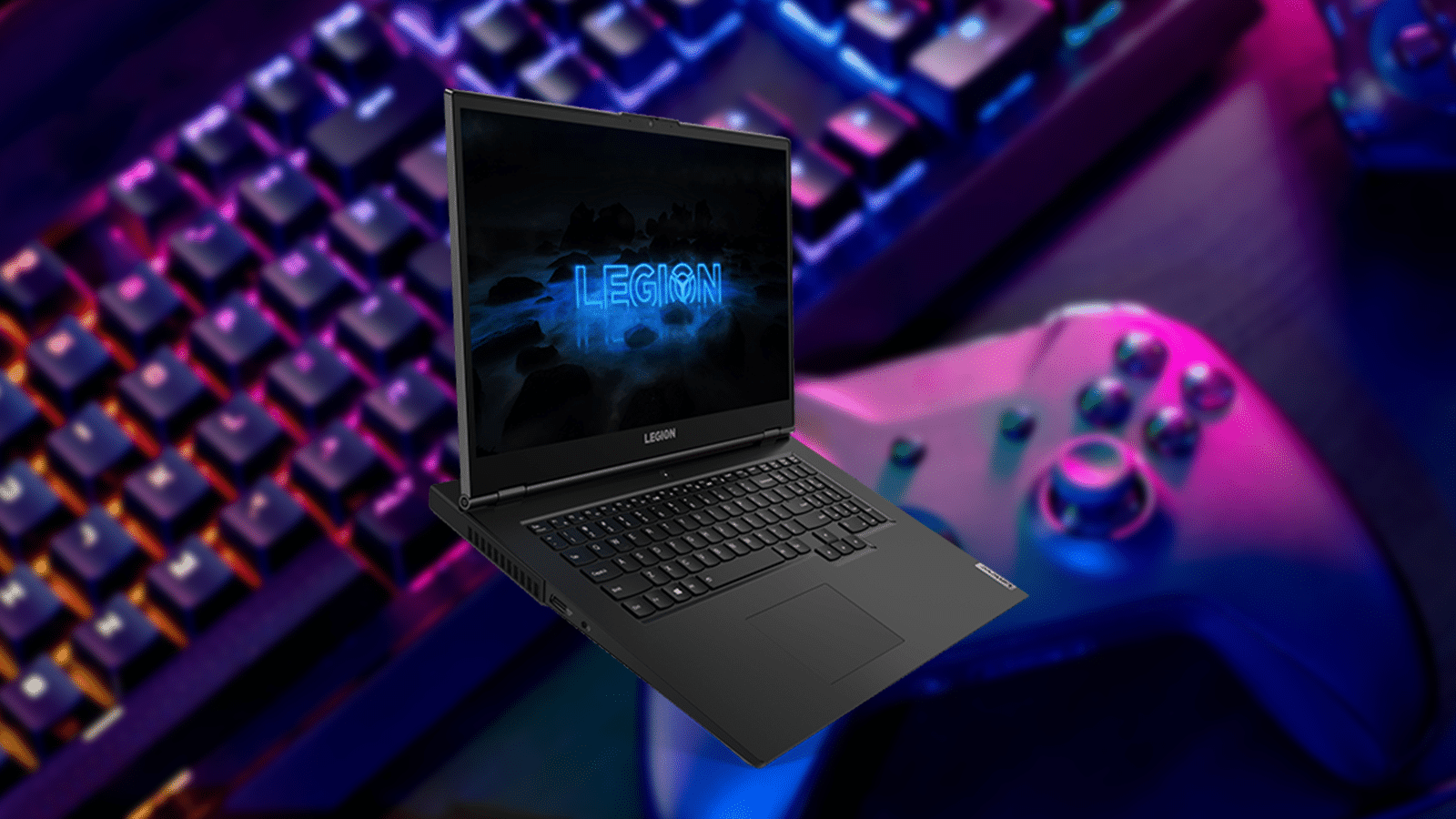
Choosing a gaming laptop on a budget can prove challenging especially with how much those can cost. So here are 5 best gaming laptops under $800 that you can try and get yourself in 2023.
Below you will find some of the best budget gaming laptops you can get at the moment. You will find the best options closer to the top of the list along with a few alternatives and cheaper options down below.
We mention it a couple of times in the article, but each laptop has multiple configuration options that vary in price. So make sure to do some research on what’s available to you as you might find a hidden gem.
Lenovo Legion 5
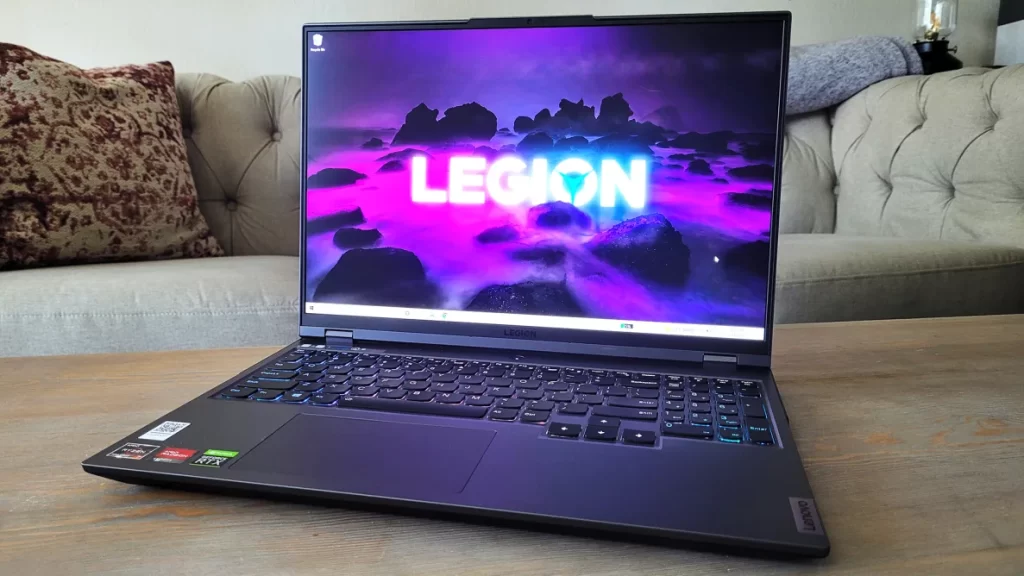
The Lenovo Legion 5 is a prime staple of budget and powerful gaming laptops available on the market. It may not have top-tier hardware but it will be the best laptop you can find under $800.
The design of Legion 5 has been the same for quite a few years now simply because there is nothing much that requires changes. A well-spaced keyboard and touchpad, and a bit of extra space in the back to plug cables easier.
For the price of $784 you get a 15.6″ FHD 120Hz screen, AMD 6-Core Ryzen 5 5600H, GeForce RTX 3050 Ti, 16GB RAM, and a 512GB PCIe SSD.
The limitations of this model are the 512GB storage, and although you can upgrade it, it will cost you an extra $70-100 depending on the size and the 120Hz screen if you are gunning for 144Hz.
But that shouldn’t be much of a concern when choosing a budget gaming laptop. Alternatively, you can get a more expensive model with extra storage and maybe even RAM, starting from $834 and will save you some money and effort when it comes to upgrades.
Lenovo IdeaPad Gaming 3

The IdeaPad Gaming 3 is quite similar to the Legion 5 we just talked about. It is a great gaming laptop under $800 with a few differences from the Legion. So if you can’t get your hands on Legion 5, feel free to get the IdeaPad Gaming 3.
The main difference between this laptop and the Legion is the design. If you didn’t like the design features of the Legion, namely the back side with cables or simply just find it uncomfortable, the IdeaPad Gaming 3 is a great alternative.
It offers pretty much the same features as the Legion with a more traditional build design. The build itself is made of decent plastic, a bit wobbly but very decent for the price of the laptop.
For $789 you get a 15.6″ FHD display 120Hz, AMD Ryzen 5 5600H, 16GB RAM, 512GB SSD Storage, NVIDIA GeForce RTX 3050Ti, and preinstalled Windows 11 Home. So as you can see, pretty much all the same.
The limitations are also the same as the Legion’s and those are upgrades. However, note that in IdeaPad there are 2 slots for the M.2 SSD but they are of different sizes. One standard one short. Make sure to identify the exact type before upgrading.
HP Victus 15

You have probably heard of the HP Omen line of laptops. Those are premium build and premium price gaming machines. Well, the Victus line is its little brother. A cheaper, yet robust line of laptops that are great for both work and gaming. And Victus 15 gaming laptop has some great options under $800 and a few more expensive ones.
The design of Victus 15 is enjoyable and minimalistic, especially in white color. It doesn’t strike you as a “gaming” laptop and will fit well into professional setups or environments. Yes, the build is made mostly from plastic and it is on the cheaper side which becomes more apparent with screen wobble. But that’s a trade-off in this case.
As for the technicalities. The $779 version of the laptop comes with Intel Core i5-12450H, GeForce GTX 1650 Graphics, 16GB RAM, a 15″ 144Hz screen, and a whole 1TB SSD. It also has preinstalled Windows 11 Home. And that is considerably well-priced.
The screen, however, can be a possible downside for you as a buyer. It is definitely not as vibrant and bright when compared to its competitors so it won’t be a good pick if you are looking to work with video and images on this laptop as well.
All things considered, it is a great affordable gaming laptop. But you can also go a bit further and look for a bit more expensive models. Sometimes you can get as good of a bargain as an RTX 3050Ti option for a bit over $800.
ASUS TUF Gaming F15
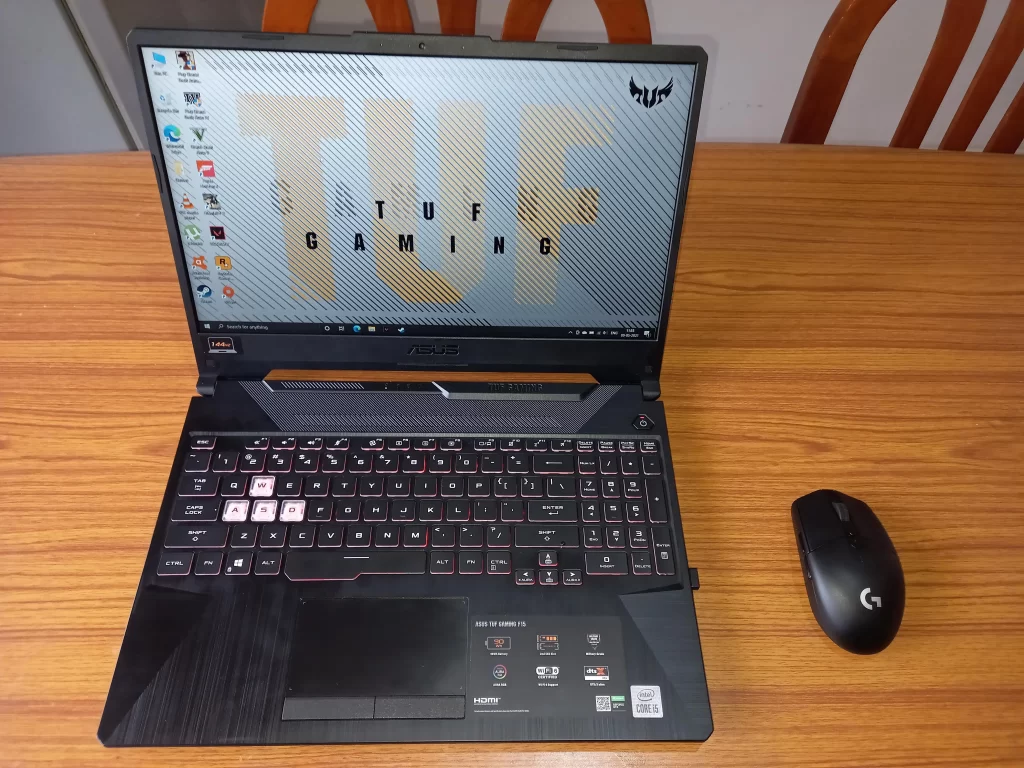
On the even more budget side of things, we want to introduce you to ASUS TUF Gaming F15, namely the model with GTX 1650 for $649. There are more high-end models with RTX 3050 but you’ll be better off with Legion 5 in that case.
The design is very gamer-like with aggressive patterns, fonts, and a backplate. And considering the price, the overall build quality is quite good even though it is a bit on the chunky side.
This particular model includes a 15.6″ 144Hz FHD IPS-Type display, Intel Core i5-10300H processor, GeForce GTX 1650, 8GB DDR4 RAM, 512GB PCIe SSD, and preinstalled Windows 11 Home. While not the best hardware out there, it will be perfect for esports titles and light gaming especially paired with the 144Hz screen.
For more breathing room you would want to upgrade your RAM or look for possible upgraded models of this laptop. This will purely depend on what you plan to use this laptop for. A good thing is that this laptop has both extra RAM and M.2 SSD slot for upgrading.
MSI GF63

And if you want to go even further down the budget line, here’s the MSI GF63 gaming laptop that is well below $800. This is probably one of the cheapest ones out there. But be advised, with the cheapest price also come a few trade offs.
The main one being the build quality. It’s on the cheap side and that shows when opening the laptop up. The laptop also can be a bit annoying to get into in case you want to perform a few upgrades. However, the build is not as chunky as with ASUS F15.
In terms of hardware, the model in our case has a 15.6″ FHD 60Hz display, i5-10300H , NVIDIA GTX 1650, 16GB DDR4, 512GB NVMe SSD, adn a preinstalled Windows 10. As you can see very similar to ASUS F15 except you get lower screen refresh rate but more RAM out of the box.
All in all it is a decent gaming laptop that you can get for short term. If you are planning on getting something that will serve you long, consider getting yourself something like Legion 5.
F.A.Q
What is the best gaming laptop brand?
How much does a gaming laptop cost?
Where to buy a gaming laptop?
What to look for in a gaming laptop?
How long does a gaming laptop last?
What you can expect to wear out fast is your battery. Since it is a gaming laptop you will likely have it plugged into the power socket at all times. To extend the battery lifespan you can use software settings to limit the charge rate of the battery (depends on the laptop brand) or replace the battery when you feel it’s needed.
Can I upgrade the gaming laptop?
But as a rule of thumb, most laptops are built with upgrades in mind. Usually, you can easily upgrade or replace your RAM, storage, and sometimes battery with the CPU.
Do gaming laptops overheat?
However, as time passes dust will accumulate on the inside and the thermal compound will dry out. And to prevent overheating you will have to take care of those things every now and then. We suggest watching a few tutorials on how to keep your laptop clean.
