
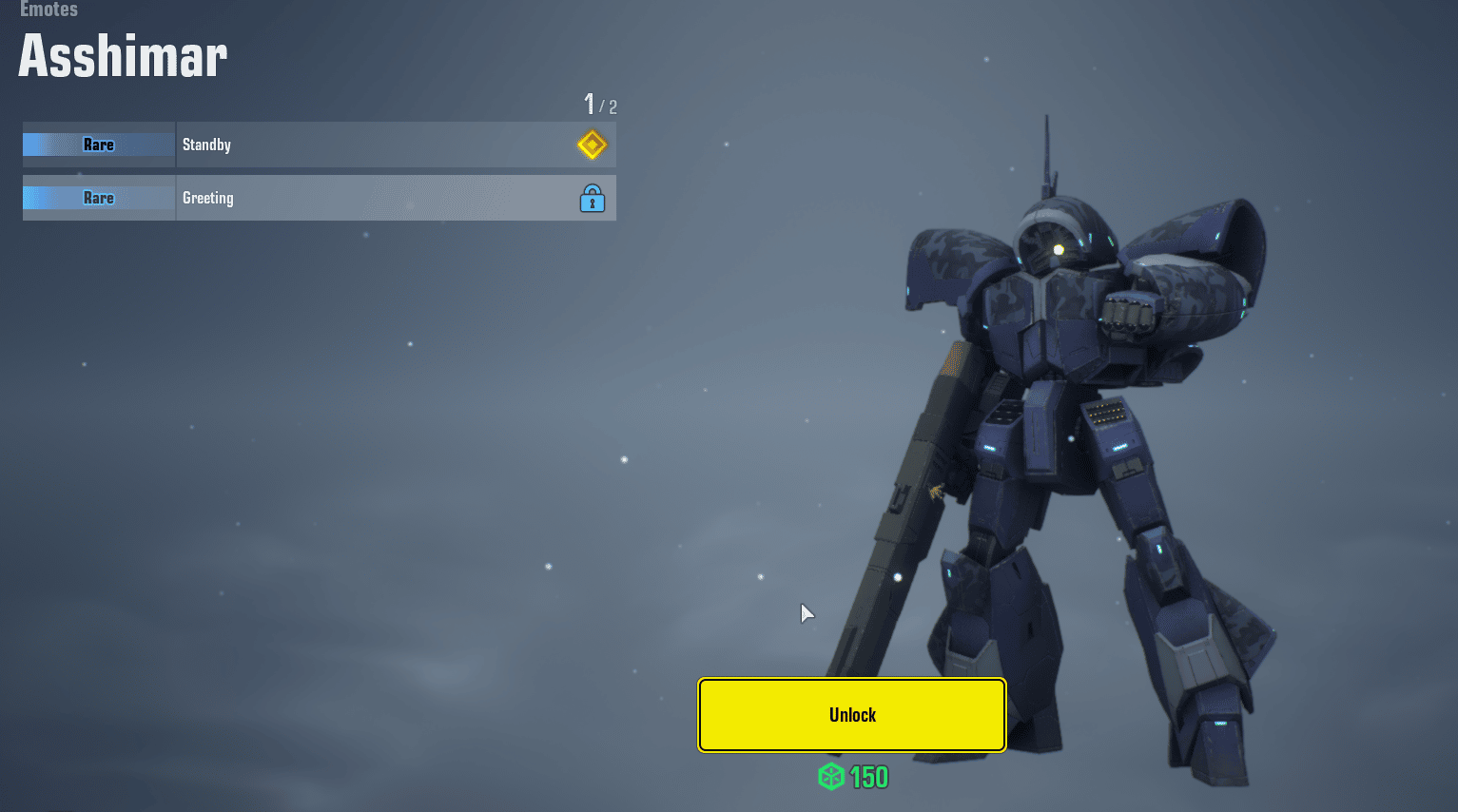
Aside from shooting foes, Gundam Evolution players also have ways to strike a pose during battle. Players can use their emotes to see their mobile suits lounge around. Here’s how to emote in Gundam Evolution.
How to Equip an Emote

Emotes can only be used during battles in Gundam Evolution. However, players can check their Emote Wheel loadouts first in their Unit loadouts.
Customizing it will decide the Emotes they can bring into battle. Players can check this out by:
- Pressing the Units tab
- Picking any mobile suit you like
- Choosing the Emotes tab
- Selecting an unlocked Emote and pressing the Register To Palette
- Assigning the Emote to any slot in the palette
- Pressing Save
Successfully completing this will equip the Mobile Suit with that emote for use in fights. Once in a fight, players will need to do this to successfully use the Emote in battle:
- Hold T to bring up the Stamps wheel
- Press Left Click during the Stamps wheel to access the Emotes Wheel
- Drag the mouse in the direction of the mapped Emote
- Let go of the Stamps wheel key
Correctly inputting this sequence will now zoom out the player’s view out of their Mobile Suit. Their suit will now execute the Emote for a short while. Players can swing their camera in a 360 view up until the Emote ends.
Lastly, players will need to be careful in using these Emotes during battle as they cannot be interrupted when executed. Getting shot during Emotes will cancel the animation and allow players to fight back or escape their enemies.
Where to Get More Emotes
Gundam Evolution players receive one emote per mobile suit they have in the game. Getting more emotes will require players to spend some Capital, EVO Coins, and Tickets.
These resources can be used to purchase Gundam Evolution’s loot pods which award three cosmetics at a time. One of these cosmetics could be an Emote.

Alternatively, players can also forcibly unlock an Emote by purchasing it directly with Earth Greens. This specific currency is obtained when players get a duplicate cosmetic.
