
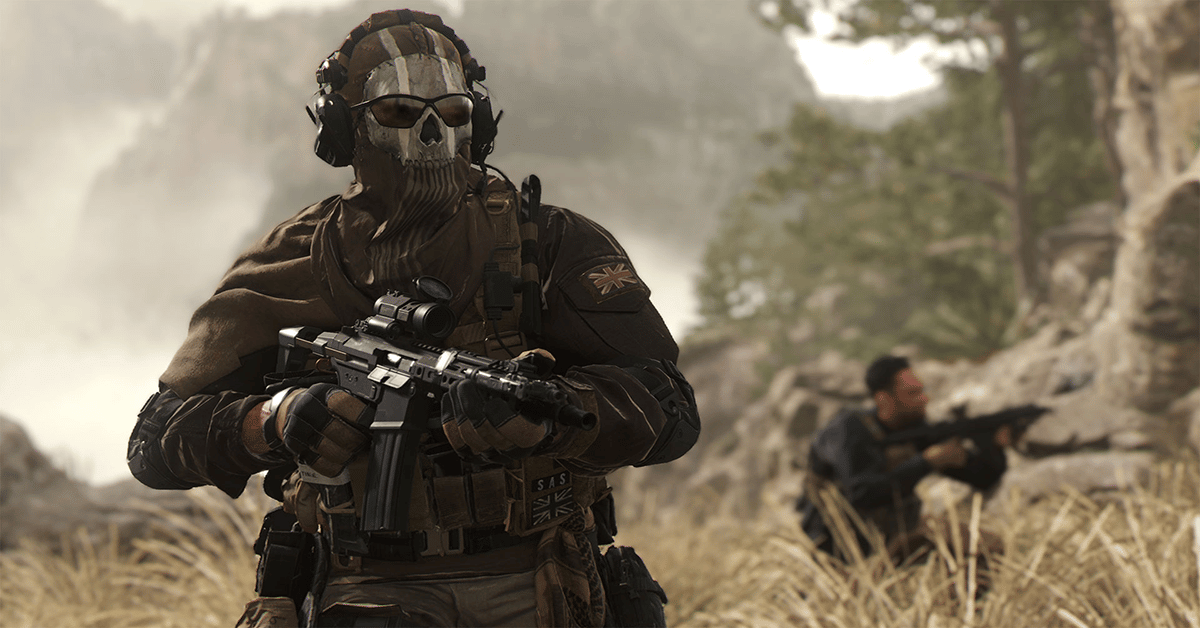
Call of Duty is so popular that it has a grip on nearly every developed society worldwide. This type of international popularity warranted more language variety and support in their titles, which is why we’re going to show you how to change language in the newest Call of Duty title: Modern Warfare 2.
Changing the language in Modern Warfare 2 is really simple, but it’s different on each platform. Now, there are a lot of platforms that you can play this game on, especially since they decided to include the older generation of consoles. But the entire process should still be similar on all consoles.
Modern Warfare 2: How to Change Language on PC (Steam & Battle.net)
There are two launchers that you can access Call of Duty: Modern Warfare 2 on PC from – Steam and Battle.net. Battle.net is Activision Blizzard’s main launcher, however, there are a lot of PC users that prefer sticking to Steam, and this is why Modern Warfare 2 was released on both.
Changing the language of the game is different on each launcher, which is why these will be covered separately.
Changing Language on Battle.net
- Launch Battle.net
- Find and click on Modern Warfare 2 in your ‘Games‘ library
- Click on the blue gear icon next to the ‘Play‘ button
- Go to ‘Game Settings‘
- Find the ‘Text & Spoken Language‘ option
- Select your desired language and press ‘Ok‘

It will start downloading all of the necessary data after you’ve clicked ‘Ok’. Other than that, there’s not much else to it.
Changing Language on Steam
- Launch Steam
- Find Modern Warfare 2 in your Steam Library
- Right-click on it and go into ‘Properties‘
- Make your way to the ‘Language‘ tab and select your language of choice

An update will be started shortly after to download all of the necessary data required for your chosen language.
Modern Warfare 2: How to Change Language on PlayStation & Xbox
Although the PS4 and Xbox One are a bit outdated when compared to the newest generation, Modern Warfare 2 was still released on those platforms. All of the in-game language support and accessibility options are more or less the same for every console, so changing your game language shouldn’t be too hard.
This is how you can change your in-game language on consoles:
- Launch Modern Warfare 2 Multiplayer
- Open up the ‘Notifications/Options‘ menu in the top-right corner
- Go into the ‘Settings‘ tab
- Select the ‘Interface‘ option
- Find and select ‘Accessibility‘
- Pick a language from the ‘Language Selection‘ tab

That’s basically all you need to know about changing the language of the game on consoles. With that being said, the UI is a bit of a tough pill to swallow, and we’ll all definitely need some time to get used to it.
Supported Languages in Modern Warfare 2
The list of supported languages in this Call of Duty is quite long, but not every language managed to make the cut. Here’s a complete list of every language available in Modern Warfare 2:
- English
- Spanish
- French
- Italian
- German
- Portuguese
- Polish
- Korean
- Russian
- Japanese
- Chinese
- Arabic
These languages cover a large portion of the world’s biggest communities, so it’s not as bad as in the previous Call of Duty titles. If you don’t prefer playing Call of Duty in English, then you’ll likely need to know how to change language in Modern Warfare 2.
