
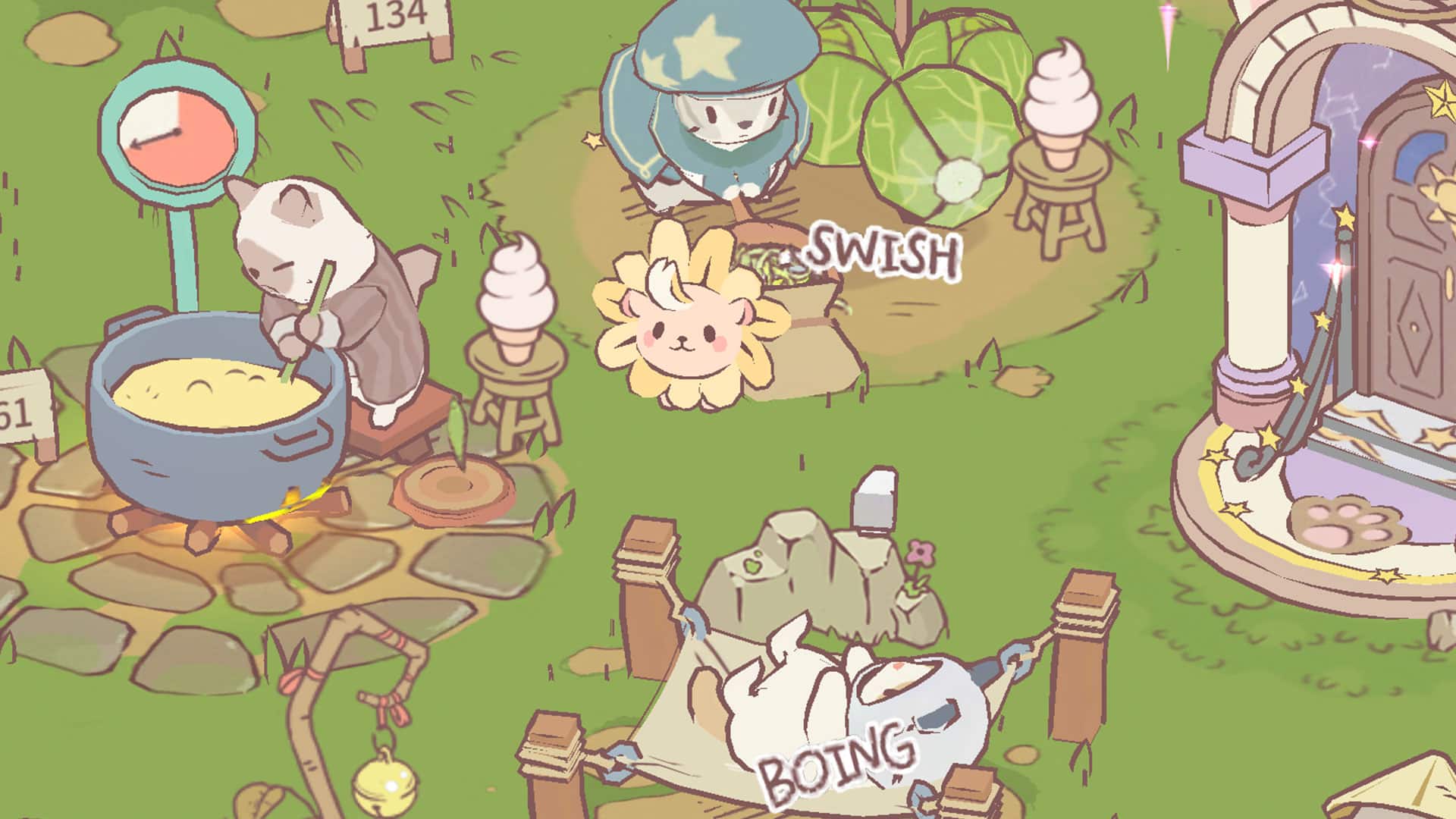
Clothing in Cats & Soup can offer a variety of passive effects on the cats’ activities. Like increasing the selling price of soups, juice, and stir-fry. Or increasing the effectiveness of rest areas. And since those are passive, players don’t have to optimize their cats’ outfits to gain the benefits of each item.
Ways to Get Clothing in Cats & Soup
Event Daily Missions Passes

During different seasons in Cats & Soup players can complete daily missions to receive seasonal rewards, which often include clothing. These rewards can include food, tickets, clothing, and furniture.
If special events are active in the game, players will have daily bonus missions they can complete. These missions will sometimes include clothing items as rewards. Cats & Soup players can choose to redeem only the free daily items, including a few clothing items, or they can purchase a premium pass.
The premium pass for Cats & Soup is $11.99 and gives players 1,000 gems, 500 furniture coins, and 2 additional chances at the fish pond and claw machine. The pass also unlocks any premium clothing rewards.
Open the Treasure Chest

Players can find the treasure chest by clicking on the blue diamond icon at the bottom of their screen. This will open a menu that lets players quickly access their facilities and cats.
Players can select the treasure chest icon, and choose to watch ads to gain rewards. This is one of the easiest ways to unlock clothing items in Cats & Soup as the chest will almost always drop these types of items.
Players can also save up gems and open the chest without engaging with ads. If Cats & Soup players have 300 gems, the chest will drop three clothing items.
How to Put Clothing on Cats

Players can dress any of their cats by selecting them on the screen. This will take players to the cats’ room. By default, players will be on the dress tab, once this screen appears. In Cats & Soup players can select one of the four clothing subcategories to assign hats, clothes, accessories, and friends to each cat.
Players will then need to craft any unlocked clothing they acquire. This can be done by clicking on items that have a glowing green bar above them. Once the item is unlocked players can choose which cat they want to wear them.
