
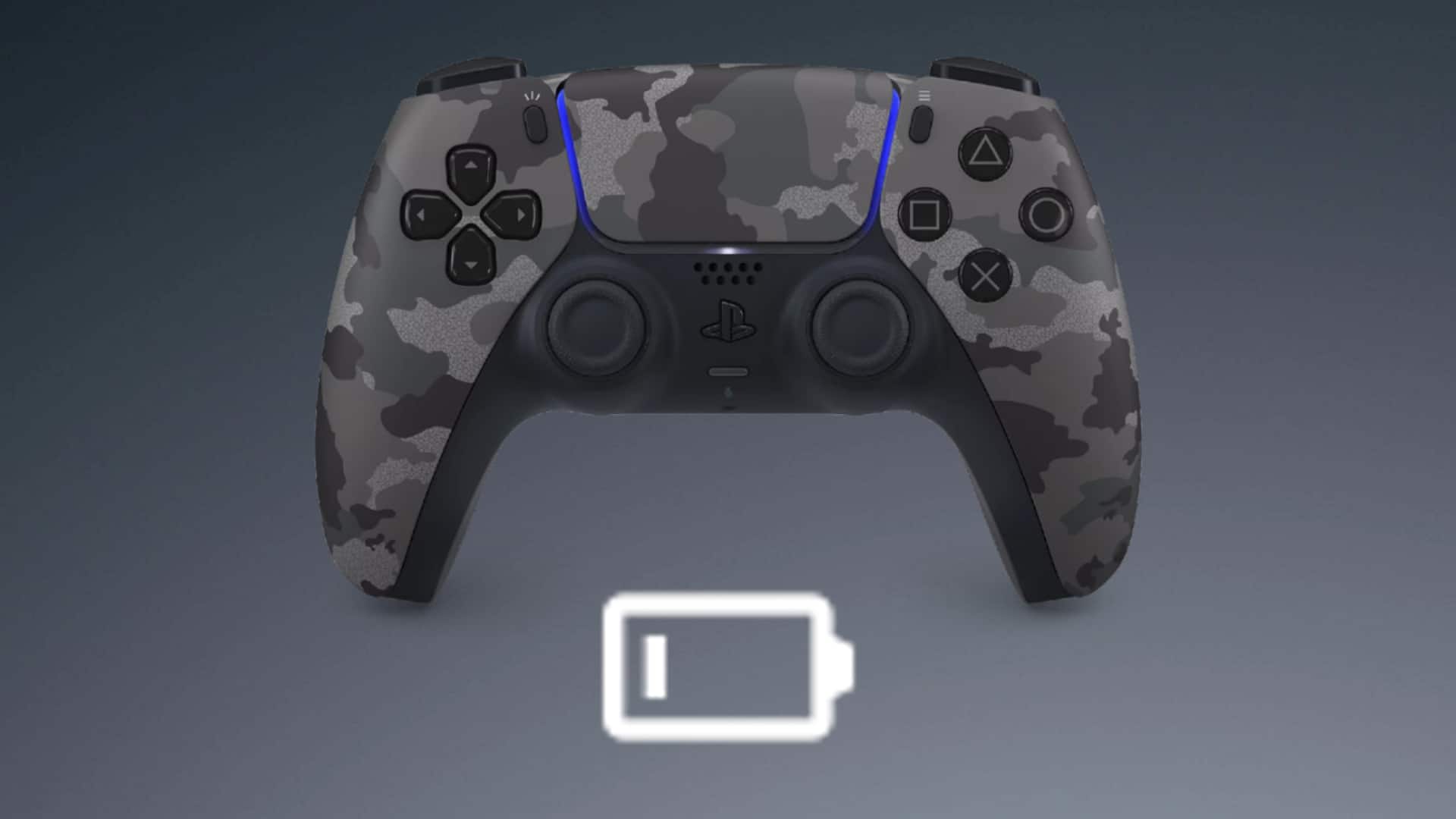
The main reason PS5 controllers die so fast is that the controller itself is a more advanced and sophisticated piece of technology. Thanks to this, the controller vastly outperforms its predecessor, the Dualshock 4, but with the drawback of having a substantial battery drain.
So if you’re looking to figure out why your PS5 controller dies so quickly, and want some tips on alleviating this, then keep reading. Below we’ll walk you through some common reasons that cause the PS5 controller to drain very quickly, as well as how to avoid these simple mistakes and keep your controller lasting longer.
Advanced Features That Cause Controllers To Die Quickly
Because the new Dualshock 5 controller comes with a host of new features such as a built-in mic, adaptive triggers, and haptic feedback, your controller is burning a lot of its battery with each session. This is compounded when you play games for extended periods (like we all do) which causes PS5 controllers to die faster than the previous model.
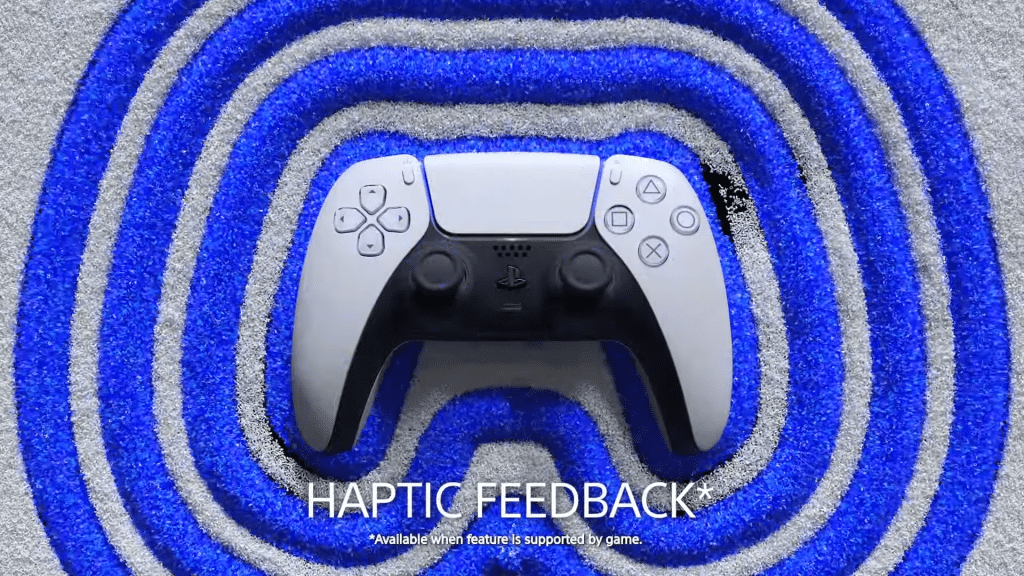
Solution: The simplest way is to just dig into your controller settings and turn off all these features when you don’t need them. Such as when you want to get in a few quick matches during a work break or in between your day. To do this for both Vibration Intensity and Trigger Effect Intensity, follow the steps we’ve outlined below:
- Access the Quick Menu by pressing the PS button on your PS5 controller.
- Go to the right-hand side and select Accessories.
- Select your Wireless Controller.
- Select Vibration Intensity and Turn it off.
- Select Trigger Effect Intensity and Turn it off
A smaller feature you can also tweak is the brightness of the light bar. By following the path outlined above and changing the “Brightness of Controller Indicators” setting to dim.
Battery Intensive Games Drain More Battery
As mentioned above, your controller has a lot of new features that give you a more responsive feeling when gaming. However, some games demand more from PS5 controllers, which can cause them to die faster. For example, FPS games such as Call of Duty will utilize adaptive triggers and haptic feedback systems more than 2D side-scrolling adventure titles.
Solution: The advice given for the previous issue works for this as well, as turning the advanced settings off for more battery-intensive games can help to conserve your battery. You can then turn these settings back on whenever you want or after a full charge. Though as we’ll see below, you need to take care when charging your device as well.
Overcharging PS5 Controllers Causing Battery Damage
Overcharging is a common issue that applies to all pieces of technology that use a battery and is one of the main reasons that many PS5 controllers die. Simply put, leaving your controller connected to the charging cable or dock for too long will wear down the battery faster and shorten its lifespan as the months go by.
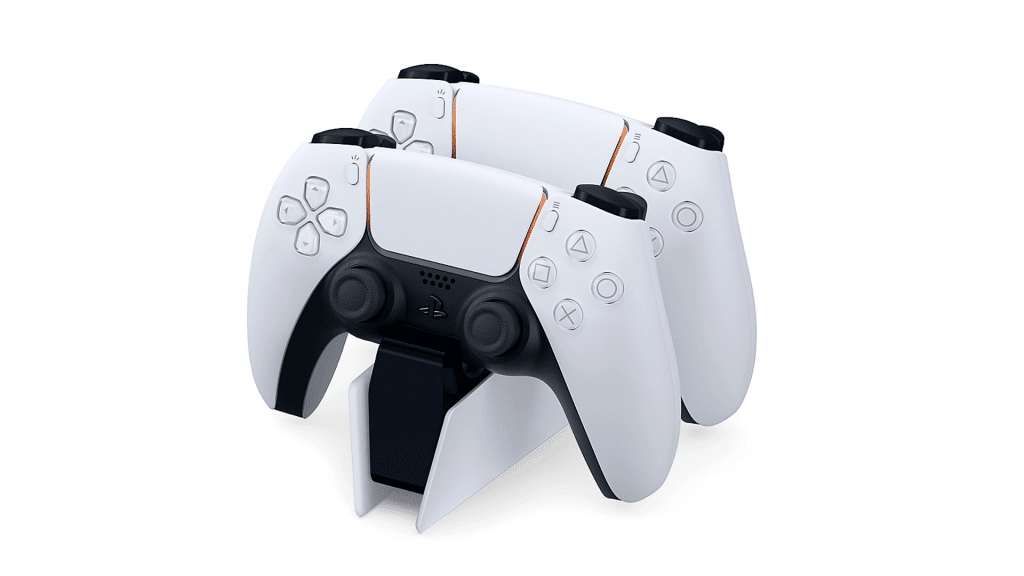
Solution: Once your controller has completed a full charge, remove it from the charging cable or docking station to avoid overcharging at all costs. Another tip is to not let your battery fully die before charging. A good rule of thumb is to charge it when the controller has 25% or less battery remaining, as going from a 0% charge to full can also shorten the battery’s lifespan.
One more thing of note to mention is that you should always be using the factory charging cable and dock you received with the PlayStation from Sony. Aftermarket docks or adapters may not provide the correct voltage for your DualSence, slowly shortening the battery life and causing circuit damage, a major reason why many PS5 controllers die.
Not Shutting down your PS5 Controller Drains Battery
You should also turn off the controller when you turn off your PlayStation console. When you wish to play a game again, the DualSense will probably be dead if you don’t properly detach it. You will need to start the charging process from scratch, and if you’re pressed for time, you’ll probably play while the controller is charging, which will harm the battery.
Solution: After ending your gaming session, always turn off your controller manually to ensure that it’s off and not draining its battery. To do this, simply follow the steps provided below:
- Access the Quick Menu by pressing the PS button on your PS5 controller.
- Go to the right-hand side and select Accessories.
- Select your Wireless Controller.
- Select Turn off.
Outdated PS5 Controller Software
Similarly to any other machine, if the code is buggy or outdated it can cause harm to the physical device it’s running on. This ultimately puts strain on the battery and eventually causes PS5 controllers to die much faster.
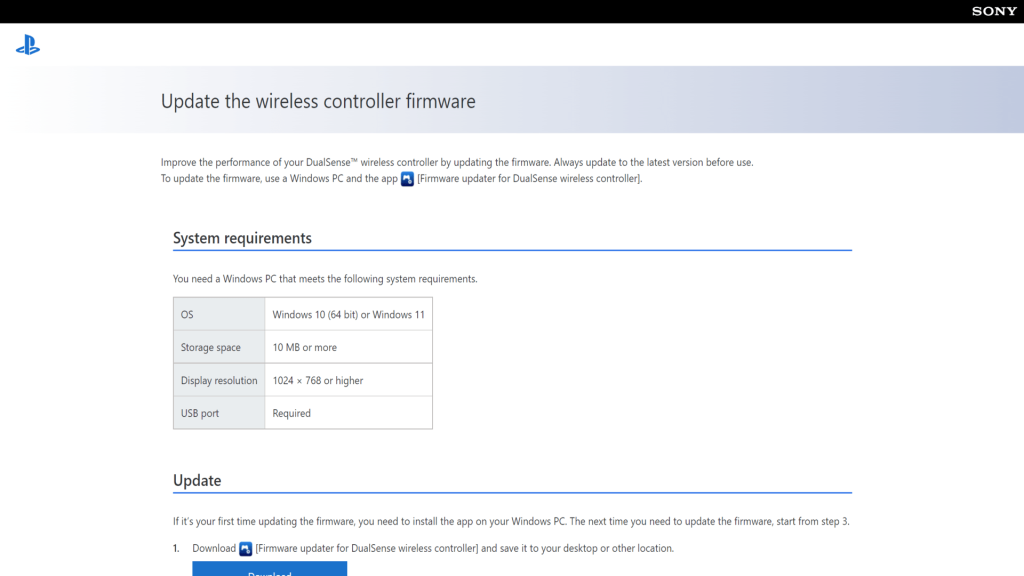
Solution: Check your DualSense software frequently for updates and always be sure you have the latest software installed. To do this, you can simply follow the steps outlined below:
- Turn on your PS5 and navigate to Settings.
- Scroll down to the Accessories section.
- To access the controller options, press the Controller button.
- Choose the DualSense Wireless Controller Device Software option.
- Use a USB-C cable to connect your DualSense controller.
- If available, select Update the controller.
Last but not least, if none of these changes and settings improve your controller’s battery life then there could be a fatal issue with your controller. In these cases, it may be worthwhile to consider replacing your DualSense battery or purchasing a new controller. Though this should be a worst-case consideration due to the controller’s high price point.
