

The Nevada Wasteland is all well and good, but have you ever wanted to take it to the next level? These Fallout: New Vegas Console Commands will help with that!
Is there one special item you’re after in Fallout: New Vegas? Or have you just wanted to fuck around and kill everything in sight? Either way, this Fallout: New Vegas Console Commands Guide will have you covered.
In order to open the command console, all you need to do is hit the tilde key (~). Once you’ve done this, the UI will vanish, and a cursor should pop up in the bottom left corner. From here, it’s all typing and entering.
Below, I’ll list the console commands as follows:
What the Console Command Does – Console Command Input
There are a few things to note when using this guide. Firstly, when an item is in <these>, you just need to add the value required and not the brackets. For example, “<Item_ID>” would be input as “018898”. Secondly, for some of these Console Commands, you’ll need an Item ID, or another Base ID. The easiest place to find these is on the Fallout: New Vegas Wiki. To access that, click the link below:
Fallout: New Vegas Console Commands
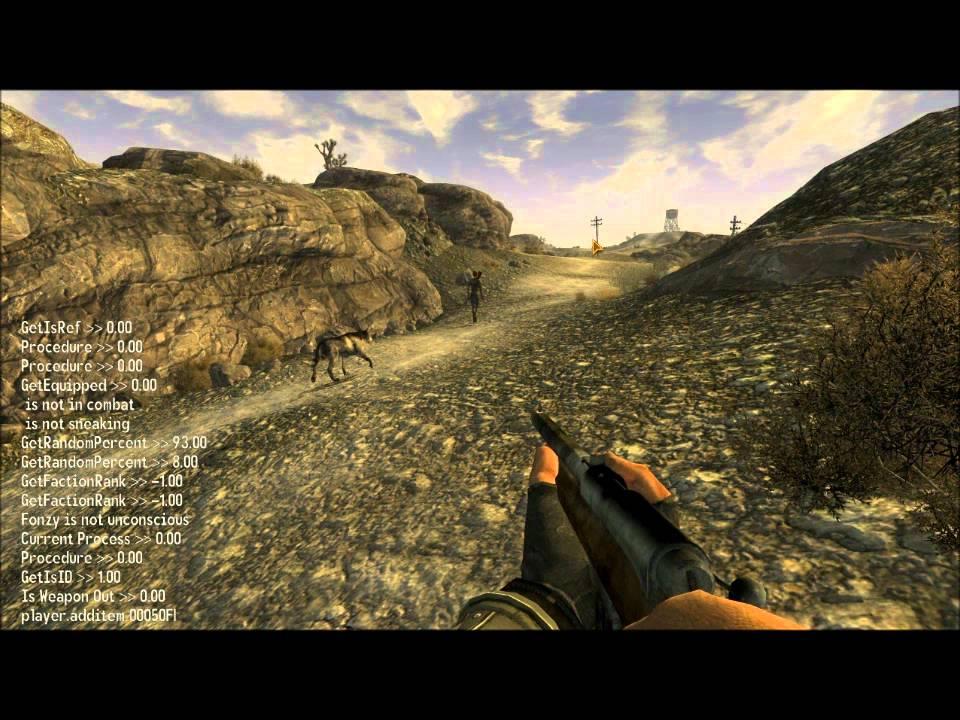
God Mode – tgm
Demi-God Mode – tdm
Activate Free Camera – tfc
Toggle Menus And UI – tm
Toggle Clipping And Collisions – tcl
Add All Map Markers – tmm 1
Remove All Map Markers – tmm 0
Increase Or Decrease Time Speed (Default is 30) – set timescale to <#>
Give Yourself Any Item – player.additem <Item_ID> <Amount>
Remove Any Item From Your Inventory – player.removeitem <Item_ID> <Amount>
Display Item_ID List For Your Inventory – player.showinventory
Alter Player Size (Default is 1) – player.setscale <Scale>
Alter Player Level – player.set.level <Level>
Give Yourself 15,000 XP – player.rewardxp 15000
Change Player Character Sex – sexchange
Change Player Character Race – showracemenu
Change Player Character Hairstyle – showbarbermenu
Change Player Character Name – shownamemenu
Give Yourself Any Perk – player.addperk <Perk_ID>
Remove A Perk From Yourself – player.removeperk <Perk_ID>
Change Player Speed (Default is 100, limit is 10-200) – player.setav speedmult <Speed>
Increase Fame With A Faction (Can Only Be Done In Intervals Of 5) – addreputation <Faction_ID> 1 <Amount>
Increase Infamy With A Faction (Can Only Be Done In Intervals Of 5) – addreputation <Faction_ID> 0 <Amount>
Remove Fame With A Faction (Can Only Be Done In Intervals Of 5) – removereputation <Faction_ID> 1 <Amount>
Remove Infamy With A Faction (Can Only Be Done In Intervals Of 5) – removereputation <Faction_ID> 0 <Amount>
Bring An NPC Back To Life – resurrect
Toggle NPC Player Detection – tdetect
Add NPC To Faction As Ally – addtofaction <Faction_ID> 1
Add NPC To Faction As Friendly – addtofaction <Faction_ID> 0
Remove NPC From Faction – removefromfaction <Faction_ID>
Toggle NPC Combat AI – tcai
Toggle NPC AI – tai
Toggle Wire-Frame Mode – twf
Toggle Local Fog Of War – tfow
Move Player Next To Next Quest Target – movetoqt
Move Player To Location – coc <Location_ID>
Complete All Quest Objectives – caqs
For Fallout 4 Console Commands, Click Here.
Like what you see? Don’t forget to share our work with the buttons below! Also, be sure to follow @GamezoGG on Twitter and check out our YouTube Channel for more great content from the Gamezo Team!
