
Activision has introduced a variety of movement to Modern Warfare 2 and Warzone 2, including dolphin diving, swimming, and ledge-hanging while removing slide cancel. And although slide canceling has been nerfed, it is still possible to do in the game if you try.
Slide canceling lets you move faster than other players and dodge bullets during gunfights. Activision changed it to make it less effective in Warzone 2 by making it slower compared to Call of Duty: Warzone and Vanguard, aiming to discourage players from taking advantage of it.
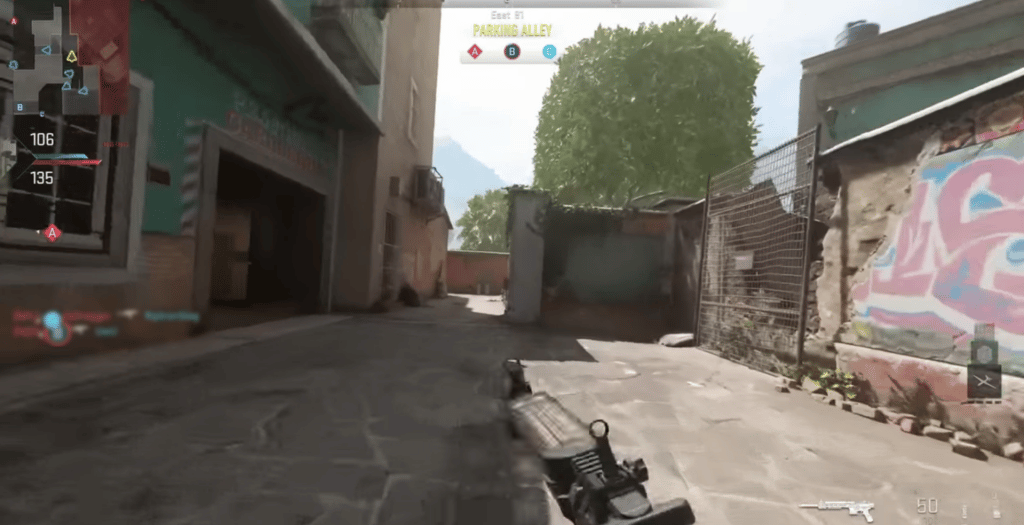
Though you won’t gain a significant advantage over other players by performing a slide cancel in Warzone 2, it can still be useful in a fast-paced shooter like this one, where every second counts. But keep in mind that it’s not a straightforward action, and you’ll need to practice a lot before you master it.
How to Slide Cancel in Warzone 2
There are a few ways to slide cancel in Warzone 2, and you can do them on any platform using both a keyboard and a controller. Before you’re able to perform this move, you’ll need to tweak a few options in the settings.
These are the essential settings required to slide cancel:
- Head to the “Settings” option in Warzone
- Select the “Keyboard & Mouse”
- Navigate to the “Gameplay” option and change the “Weapon Mount Activation” to “Double-Tap ADS”
- Proceed to the “Advanced settings” found inside the “Keyboard & Mouse” menu
- Scroll down to “Movement Behavior” and disable the “Grounded Mantle” and “Automatic Grounded Mantle”

If you are on the console, make sure to change the available to you settings as well.
How to Slide Cancel in Warzone 2 on a Keyboard
- While moving, press the C button to slide
- Double-click the right mouse button in order to aim down the sights
- Press the Space button to jump
How To Perform Slide Cancel in Warzone 2 on a Controller
- First, make sure to activate the tactical sprint
- Press the dedicated slide button (Circle/Xbox or B/PlayStation)
- Double tap the aim down the sight button (L2/Xbox or Left Trigger/PlayStation)
- Press the jump button (A/Xbox or X/PlayStation)
Alternative Way to Slide Cancel
This approach is even more complex than the previously mentioned one, but we still decided to include it. It doesn’t involve Weapon Mounting, and you’ll need to perform it using a secondary weapon. Here are the necessary steps:
- Press the slide button
- Switch to your primary weapon, then aim down the sight
- Press the jump button
And there you have it; this is how to slide cancel in Warzone 2 on both PC and consoles. It’s unknown whether Activision will make additional adjustments to this move in one of the upcoming patches, but one thing is certain – it will never be as effective as it was before.
With the drawbacks of the current slide cancel you might want to make use of other new features in the game to improve your movement and speed:
How to Pull Out Pistol in Modern Warfare 2 | How to Reload Cancel in Modern Warfare 2 | Modern Warfare 2: New Perk System Explained
